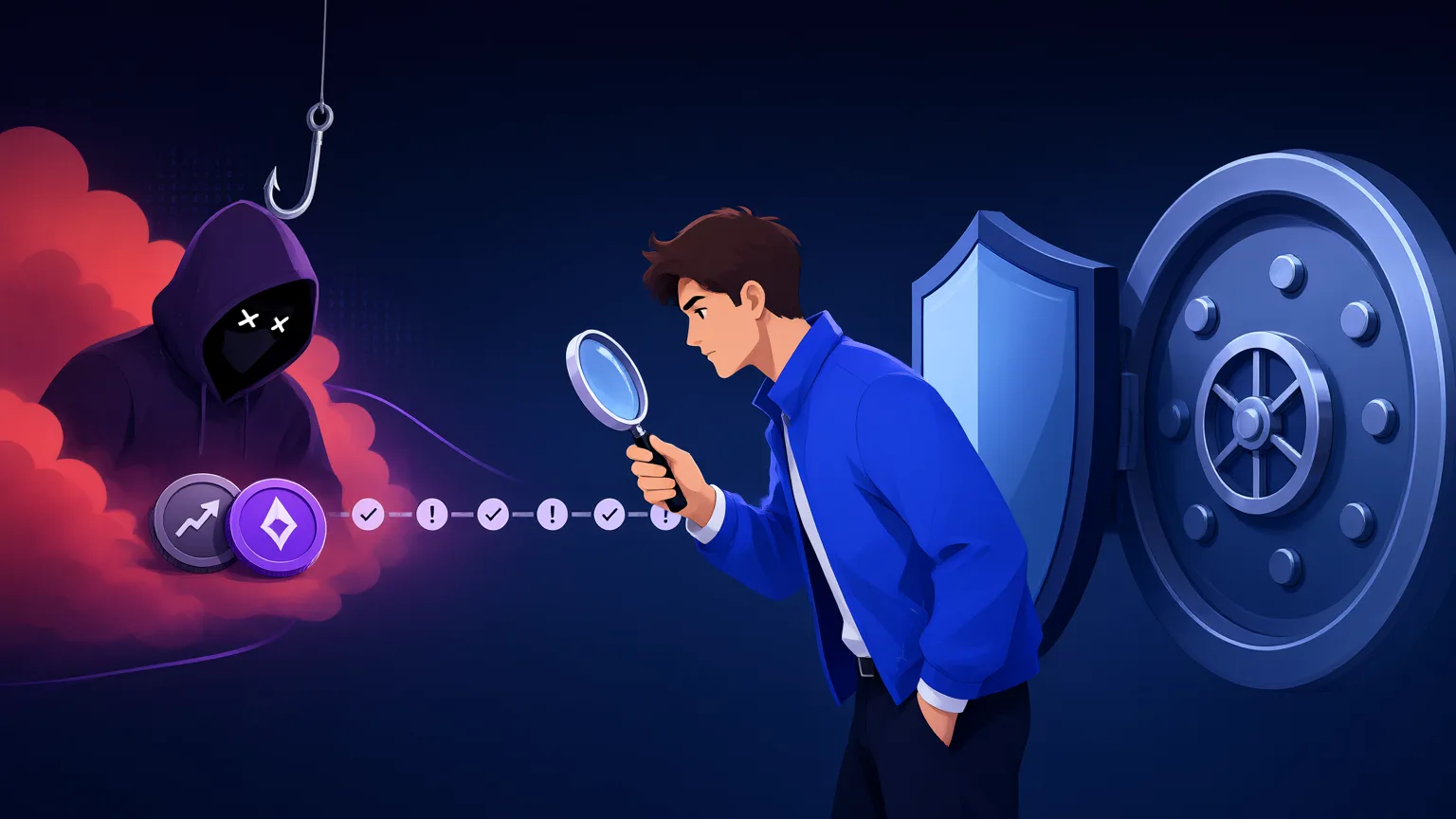
Knowing how to check if token is scam is a skill, not a one-time lookup. Scam tokens rarely announce themselves. They copy a legitimate project's name, reuse a verified contract's code with one changed line, or launch with liquidity that looks healthy until the deployer withdraws it.
A single scanner report shows what was checked, on which chains, and when. It does not list coverage gaps or unknowns.
This guide lays out a six-step verification workflow you can repeat for any token. You will verify contract identity, read the code for dangerous functions, check liquidity and ownership, analyze holder behavior, simulate a trade, and set up ongoing monitoring.
Each step notes what the evidence can and cannot prove. We also note how StalkChain's MCP server supports this workflow: it allows AI assistants to query verified on-chain data across seven chains, enabling programmatic checks rather than manual tab switching.
Key takeaways
- Always verify the contract address from multiple official sources before checking anything else.
- Unverified contracts, mint functions, and unlocked liquidity are the strongest early red flags.
- Holder concentration and deployer history reveal risks that scanner scores often miss.
- Simulate a sell before buying to catch honeypots and hidden sell taxes.
- One-time scans are not enough; use AI-assisted on-chain queries to monitor tokens continuously.
On this page
- Step 1: Verify the Contract Address and Token Identity
- Step 2: Read the Smart Contract for Dangerous Functions
- Step 3: Check Liquidity, Lock Status, and Ownership
- Step 4: Analyze Holder Distribution and Wallet Behavior
- Step 5: Run a Honeypot and Trading Simulation Test
- Step 6: Automate Ongoing Checks with On-Chain Data and AI Assistants
- Frequently asked questions
- Final thoughts
Step 1: Verify the Contract Address and Token Identity
Scam tokens rarely fail because the fraud is invisible. They fail because the buyer never compared the contract address against a second source. Identity verification is the cheapest check you can run, and it filters out most copycat tokens before you spend anything.
Where to find the real contract address
Start with the project's verified website or its official social channels. Copy the contract address from there, and only there.
- Never take an address from a direct message, a comment reply, a search ad, or a pinned post on an unofficial account.
- Cross-check the same address across at least two independent official sources, such as the project site and its main social account.
- Paste the address into the chain's block explorer: Etherscan, BscScan, Basescan, or Solscan. Confirm the contract is verified and the name and symbol match the official project.
- Open the explorer's Holders tab. A real token shows activity spread across many wallets. A token held by a handful of wallets created on the same day is a warning sign, not a community.
Ethereum.org documents the copycat pattern in detail, including tokens that borrow a legitimate symbol to imply a relationship that does not exist. One example is a token using the symbol wARB, which mimics the naming convention for wrapped assets even though ARB is already an ERC-20 token on Ethereum.
Red flags in token identity
- Identical name and logo, different contract address.
- A website that mimics the real project's domain with a small character change.
- Unverified source code, or a verification date that follows the token's launch.
- Holder counts that look large but trace back to wallets funded from one address.
How to tell it worked: the contract address matches multiple independent official sources, and the explorer shows verified source code under the project's stated name.
Step 2: Read the Smart Contract for Dangerous Functions
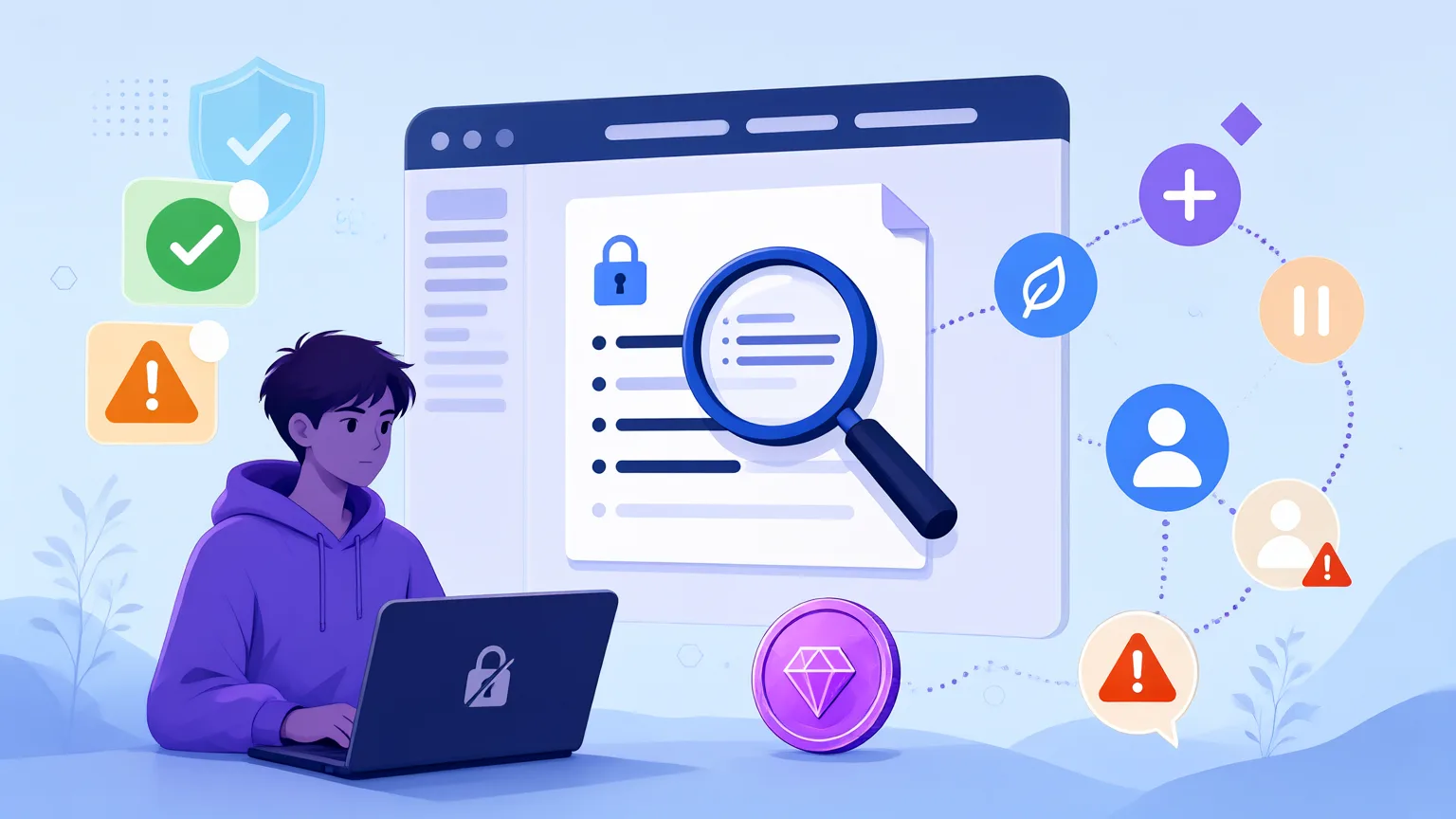
Open the token's page on a block explorer and select the Contract tab. If the source code is not verified, you are reading bytecode, not logic.
Unverified contracts are a major red flag: you cannot confirm what the token does, and the deployer chose not to show you. Ethereum.org's guide to identifying scam tokens notes that anyone can deploy a contract with any name or symbol, so the code is the only binding description of behavior.
Functions that should worry you
- Mint functions that let the owner create unlimited new supply, diluting your holdings at will.
- Blacklist functions that can freeze your wallet and block you from selling.
- Pause functions that halt all transfers, including yours.
- Proxy upgradeability, where the owner swaps in new logic after you buy.
- Owner-only setters such as
setTax,setMaxTx, orexcludeFromFeethat change trading rules post-purchase. - Hidden owner privileges not mentioned in the project's public materials.
What scanner scores actually mean
Automated scanners are a useful first pass. Token Sniffer, GoPlus Security, and CertiK Token Scan flag common patterns across chains. Treat their output as signals, not guarantees.
A high score reflects the checks a scanner runs, not the checks it does not run. A contract can pass every automated test and still carry owner powers the scanner did not model.
How to tell it worked: the contract has no mint, blacklist, or owner-controlled tax functions, or ownership has been renounced and liquidity is locked. This is educational analysis, not financial advice.
Step 3: Check Liquidity, Lock Status, and Ownership
Liquidity is what lets you sell. If it is thin or removable, your exit depends on someone else's restraint.
Start by confirming a real pool exists on a DEX such as Uniswap, PancakeSwap, or Raydium. Then look at depth. A pool holding a few thousand dollars can be drained by one sizeable sell, which moves price against you before your order fills.
How to read a liquidity lock
LP tokens represent claim over the pool. When they are locked in a locker service or burned, the deployer cannot withdraw the paired asset on demand. Unlocked liquidity means a rug pull is available at any moment.
Check the lock on a locker service or the block explorer:
- Lock amount as a share of total LP supply
- Unlock date, and whether it is weeks or years away
- Whether the locker contract is the recognized one for that chain
Ownership renouncement vs. multisig
Owner privileges can include minting new supply, changing transfer taxes, pausing trading, or blacklisting wallets. If ownership is not renounced, identify who holds the keys and whether a multisig protects them. A single externally owned account is a single point of failure.
Finally, compare pool liquidity to market cap. Very low liquidity against a high valuation is a common honeypot or pump-and-dump pattern. Token scanners such as Token Sniffer and GoPlus flag some of these signals automatically.
How to tell it worked: liquidity is locked for a meaningful period, ownership is renounced or multisig-protected, and pool depth is proportionate to trading volume.
Step 4: Analyze Holder Distribution and Wallet Behavior
Supply concentration is the fastest way to estimate exit risk. If one wallet or a small cluster holds a large share of supply, that group can sell into retail demand at any time.
A common heuristic: treat any single non-liquidity wallet above roughly 5% of circulating supply as material, and clusters above 20% as a serious concern. These are estimates, not rules, and thresholds vary by token age and float.
Spotting sybil wallet clusters
Scam launches often split one entity's allocation across many wallets to make distribution look healthy. To detect this, compare funding sources rather than holder counts.
- Check whether multiple top holders were first funded from the same address.
- Look for identical funding amounts and near-identical buy timestamps.
- Note wallets that received tokens from the deployer in one batch.
| Pattern | Healthy signal | Warning signal |
|---|---|---|
| Top 10 holders | Broadly unrelated funding sources | Several wallets funded from one address |
| Deployer allocation | Small, locked, or burned | Large share still held |
| Recent transfers | Gradual, mixed buyers and sellers | Insiders selling while promotion continues |
Checking the deployer's track record
Review the deployer wallet's history. Has it launched other tokens that went to zero, and does it still hold a large allocation in this one?
We cover that lookup in Who Deployed This Solana Token, and Have They Rugged Before?. For sell-pressure context from tracked traders, see Are KOLs Dumping This Token?.
How to tell it worked: no single wallet or cluster controls a dangerous share of supply, and the deployer has no history of serial rug pulls. This is educational analysis, not financial advice.
Step 5: Run a Honeypot and Trading Simulation Test
A honeypot is a contract that accepts buys but blocks sells. Reading the code helps, but a simulation gives you observed behavior instead of inference.
Use a honeypot checker to test whether a buy can actually be sold and what taxes apply. GoPlus, Token Sniffer, and CertiK's Token Scan are common starting points; each runs automated checks and reports flags.
Why honeypot checkers can be wrong
These tools rely on heuristics and may miss conditional logic. A contract can enable normal trading until a trigger fires, then restrict sells. Treat a clean result as one data point, not a verdict.
Measuring real buy and sell tax
Simulate a small buy and sell on a test wallet or through a DEX simulator. This measures actual slippage, buy tax, and sell tax before you commit funds. Then check for:
- Transfer restrictions that activate after a set number of buys.
- Trading disabled for wallets outside a whitelist.
- Sell limits that shrink as more holders enter.
Cross-check volume against holder count. High volume with few holders often signals wash trading.
How to tell it worked: the simulated sell succeeds, tax and slippage are reasonable, and trading rules apply the same to all wallets. If the simulator cannot complete a sell, do not proceed. For deployer history behind these patterns, see our Solana rug check.
This is educational content, not financial advice.
Step 6: Automate Ongoing Checks with On-Chain Data and AI Assistants

Why one-time scans are not enough
Steps 1 through 5 produce a snapshot. Scam tokens can change rules after launch. A deployer may enable transfer taxes, mint new supply, or unlock liquidity hours after your check. Holder concentration can shift the same way. Treat any single scan as a point-in-time observation, not a verdict.
The fix is recurring monitoring of three things:
- Contract state: ownership, tax settings, pause and mint functions.
- Holder distribution: top-wallet concentration and new large holders.
- Liquidity: pool size, lock status, and withdrawal events.
Using StalkChain with Claude, ChatGPT, or Cursor
A crypto MCP server or REST API lets AI assistants such as Claude, ChatGPT, Grok, or Cursor query live on-chain data across multiple chains without leaving the chat. StalkChain connects AI assistants to trader wallets, PnL, and flows across seven chains. You can ask an assistant to pull holder concentration, deployer history, or liquidity changes for a token address on demand.
Build a repeatable checklist or script that runs the same queries for every new token, and log the results so you can compare tokens objectively. For deployer history, see our Solana token deployer lookup.
How to tell it worked: your assistant returns fresh on-chain data for the token address, and you can re-run the same checks on a schedule instead of relying on a one-time score. Third-party scanners like GoPlus can supplement this, but they carry their own coverage gaps.
This is educational material, not financial advice.
Frequently asked questions
What is the fastest way to check if a token is a scam?
Check the contract on a block explorer first. Look for a verified source, a locked or burned liquidity pool, and a holder list that is not dominated by a few wallets.
These three checks take minutes and catch the most common scam patterns. They are heuristics, not proof, so treat the result as a starting point rather than a verdict.
Can a token pass every check and still be a scam?
Yes. A contract can be clean, liquidity locked, and holders distributed, yet the team can still abandon the project or mint new supply through an upgrade. Checks reduce risk; they do not remove it. The base rate of failure among new tokens is high, so position sizing matters more than any single score.
What red flags matter most when reviewing a new token?
Unverified contract code, liquidity that is unlocked or held by one wallet, a small number of addresses controlling most supply, and trading restrictions that block sales. Also weigh anonymous teams, copied whitepapers, and paid promotion with no disclosed terms. Each flag is a signal, and several together are material.
Where should you verify a token before buying?
Use public sources: block explorers for contract and holder data, liquidity lockers for lock status, and the project's own documentation for team and tokenomics. Cross-check claims against on-chain records rather than social posts. Where data is missing, record it as unknown instead of assuming the token is safe.
Final thoughts
No single check proves a token is safe. Rug pulls, honeypots, and abandoned contracts can pass basic tests, so treat every result as evidence rather than a verdict. The six steps work best together: contract checks, holder distribution, liquidity locks, trading behavior, team verification, and community signals.
Your next step is to run any token you are considering through StalkChain's risk report. It pulls public on-chain data into one view, flags known risk patterns, and states its coverage limits, so you can see what is observed and what remains unknown before you commit funds.
This article is educational and not financial advice.