A long mcp server list is not a shortlist. The popular advice, start with the biggest directory and work down, gets you thousands of entries and no decision you can defend to a teammate.
During a 14-day collection campaign, researchers aggregated 17,630 raw marketplace entries across six major markets. Only 8,656 entries, 49.1% of the total, survived filtering, and the study reports that more than half of listed projects were invalid, low-value, or abandoned, per the 2025 MCP ecosystem measurement study.
A listing proves a server exists. It doesn't tell you who publishes it, what it touches on your machine, which transport your client needs, or when it last shipped a commit.
Three jobs sit behind any useful directory, and no single source does all three well. First-party verification happens at the registry and the source repository: publisher identity, package name, code. Community browsing happens at the marketplaces, which sort by popularity labels that say nothing about maintenance. Live connection happens at the provider's own endpoint, with real credentials and one real tool call.
The ten options below are grouped by the job they do: the registry and the official repository verify, the marketplaces help you browse, and a hosted provider gets you connected. I judge every entry on four things: whether the publisher is named, which transports and client setup steps are documented, what permissions or write scope the tools expose, and whether anything on the page dates the last update.
Table of Contents
- 1. StalkChain
- 2. Official MCP Registry
- 3. Glama
- 4. PulseMCP
- 5. Smithery
- 6. MCP.so
- 7. MCPservers.org
- 8. MCP Zone
- 9. MCPwell
- 10. Official MCP Servers GitHub repository
- How the 10 MCP server list options differ by type, access, and main limitation
- Verify Before You Connect Any MCP Server
1. StalkChain
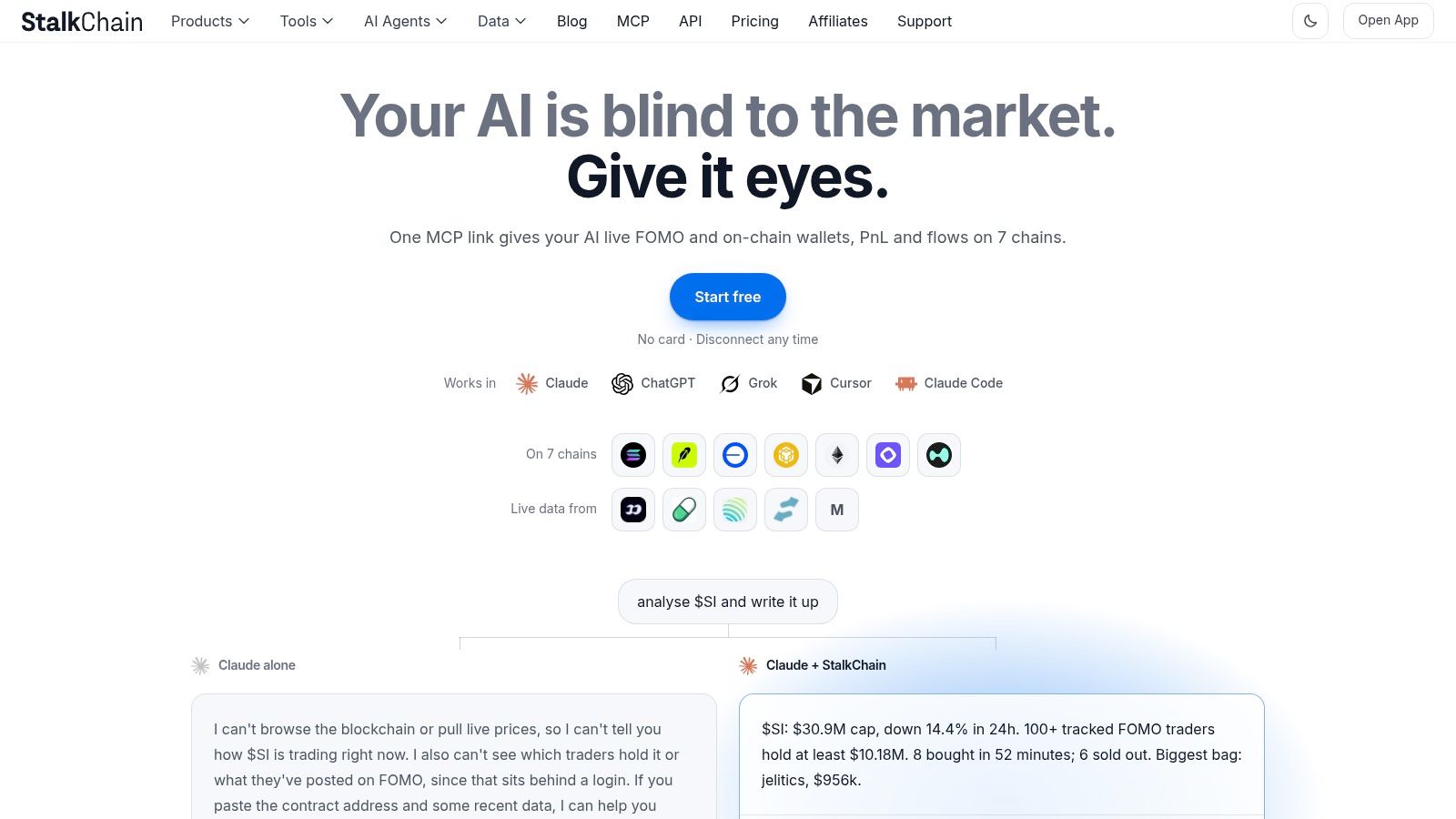
StalkChain belongs in an MCP server list as a first-party connection destination, rather than a directory for discovering unrelated servers. Its hosted connector brings live on-chain activity and social trader data into Claude, ChatGPT, Grok, Cursor, Claude Code and other MCP clients. Use it to ask what a trader holds, what they realized, or which tokens moved through a wallet.
Tools, coverage and connection checks
The toolset covers wallet holdings, realized and unrealized PnL, token flows, transactions, KOL and whale activity, trends, and trader profiles across Solana, Robinhood Chain, Base, BNB Chain, Ethereum, Monad and Hyperliquid. FOMO, StonkFun, Jupiter and Meteora data sits behind consistent tool interfaces. That reduces separate integrations, but chain coverage and permissions still vary by tool. Inspect what your client discovers before assuming a particular lookup is available.
Setup depends on the client. In Claude Code, run claude mcp add --transport http stalkchain with StalkChain's hosted MCP endpoint, adding --scope user to load it in every project. Then type /mcp, pick stalkchain and choose Authenticate. In Cursor, click Add to Cursor, confirm installation, sign in to StalkChain in the browser and press Approve.
The same hosted link works across supported assistants. Connecting once lets you inspect the tools discovered for your account or client, then ask about wallets, traders, holdings and flows in plain English. Tool discovery is the useful check here: a directory description cannot establish which operations your connected client exposes.
Every plan includes the same tools and both MCP and REST API access. Plans differ only in monthly call quota, with unused calls rolling over. Each answer reports its cost and remaining balance. For dashboards, bots and backfills, the REST API uses a single API key and requires no MCP client.
Research tools are read-only and need no private keys. Trading flows use a separate funded agent wallet. Keep that distinction explicit when checking permissions: research access and funded trading are different scopes.
The guide to the best crypto MCP servers for on-chain research compares crypto data providers and their trade-offs.
Pros:
- One endpoint, many clients: connect assistants and editors with the same link, or use REST for code.
- Cross-chain consolidation: inspect wallet PnL, flows, KOL activity and whale tracking through a shared interface.
- Visible accounting: each answer includes cost and balance; unused calls roll over.
Cons:
- Paid past the credit: metered data calls require attention to quota and balance.
- Data, not a signal: coverage varies by tool, and trader output still needs your analysis.
Website: stalkchain.com
2. Official MCP Registry
Start at the registry, not the marketplace. The official registry is the first-party record of published MCP server metadata, and it answers a question no community directory answers: is this server registered, and who controls the namespace behind it.
It behaves more like an API than a browsing experience. Listings are machine-readable, which suits a check inside a build pipeline or a script that recomputes your approved list each week. For a human comparing ten candidates in a minute, a marketplace beats it.
Registry rule: a verified namespace proves who owns the name. It says nothing about whether the code was scanned, is maintained, or runs with minimal privileges.
That gap is documented by the project itself. The MCP security best practices guidance is explicit that namespace authentication and metadata don't amount to code-security scanning, and leaves that job to package registries and downstream aggregators.
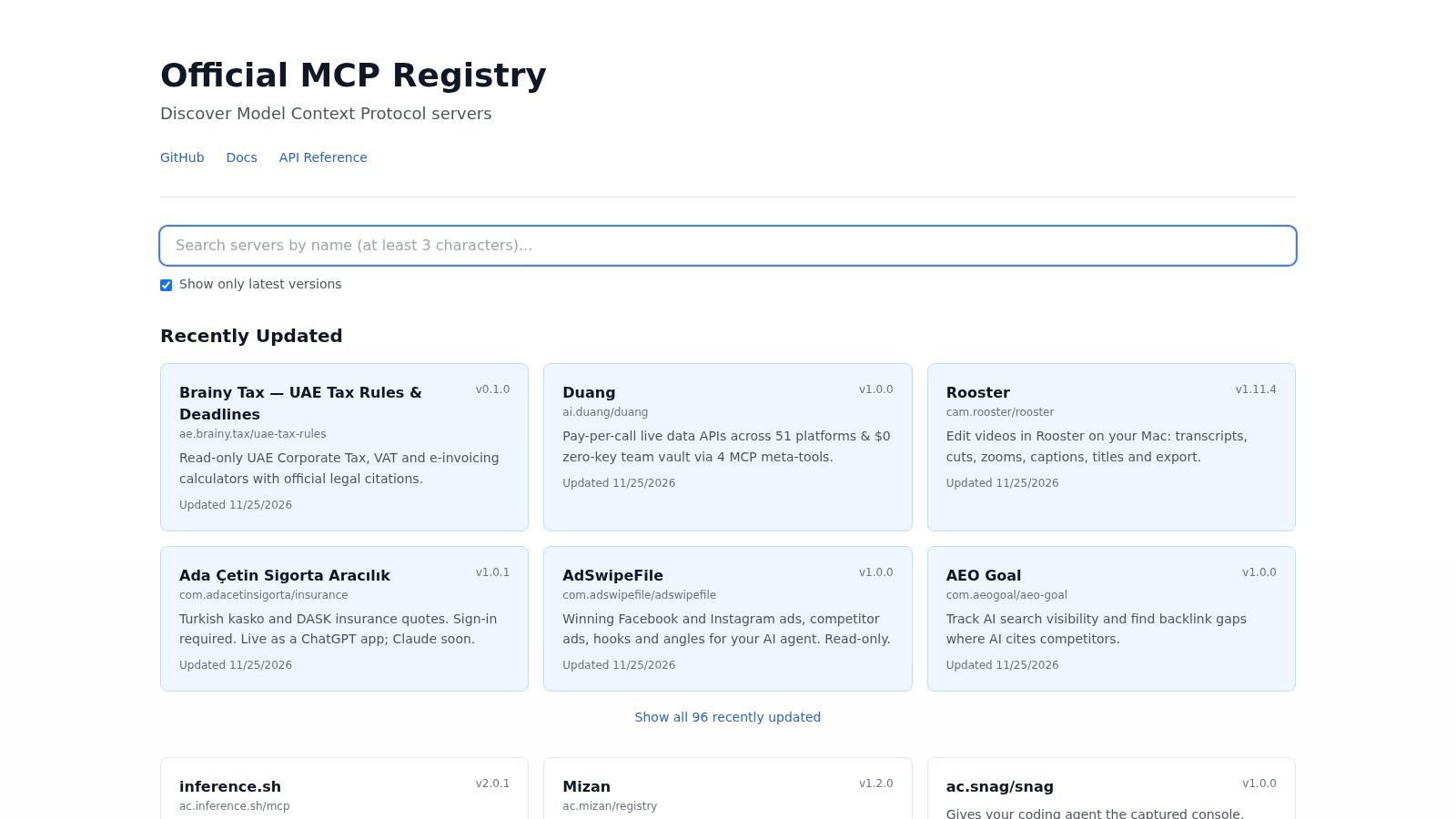
Use it to confirm a publisher or pull metadata programmatically. Don't use it to compare options, and don't read a registry entry as proof that a server is active or safe. It also won't list every server that exists elsewhere, so a miss means unknown, not absent.
What the spec does and doesn't standardize is worth understanding before you trust a listing, and what the Model Context Protocol standardizes covers that ground.
Website: registry.modelcontextprotocol.io
3. Glama
More entries can make a decision worse. A 2026 security research paper counted more than 16,000 publicly available MCP servers by early 2026 and named name collisions, impersonation and supply-chain risk as marketplace problems rather than theoretical ones, in the ACL Industry Track analysis.
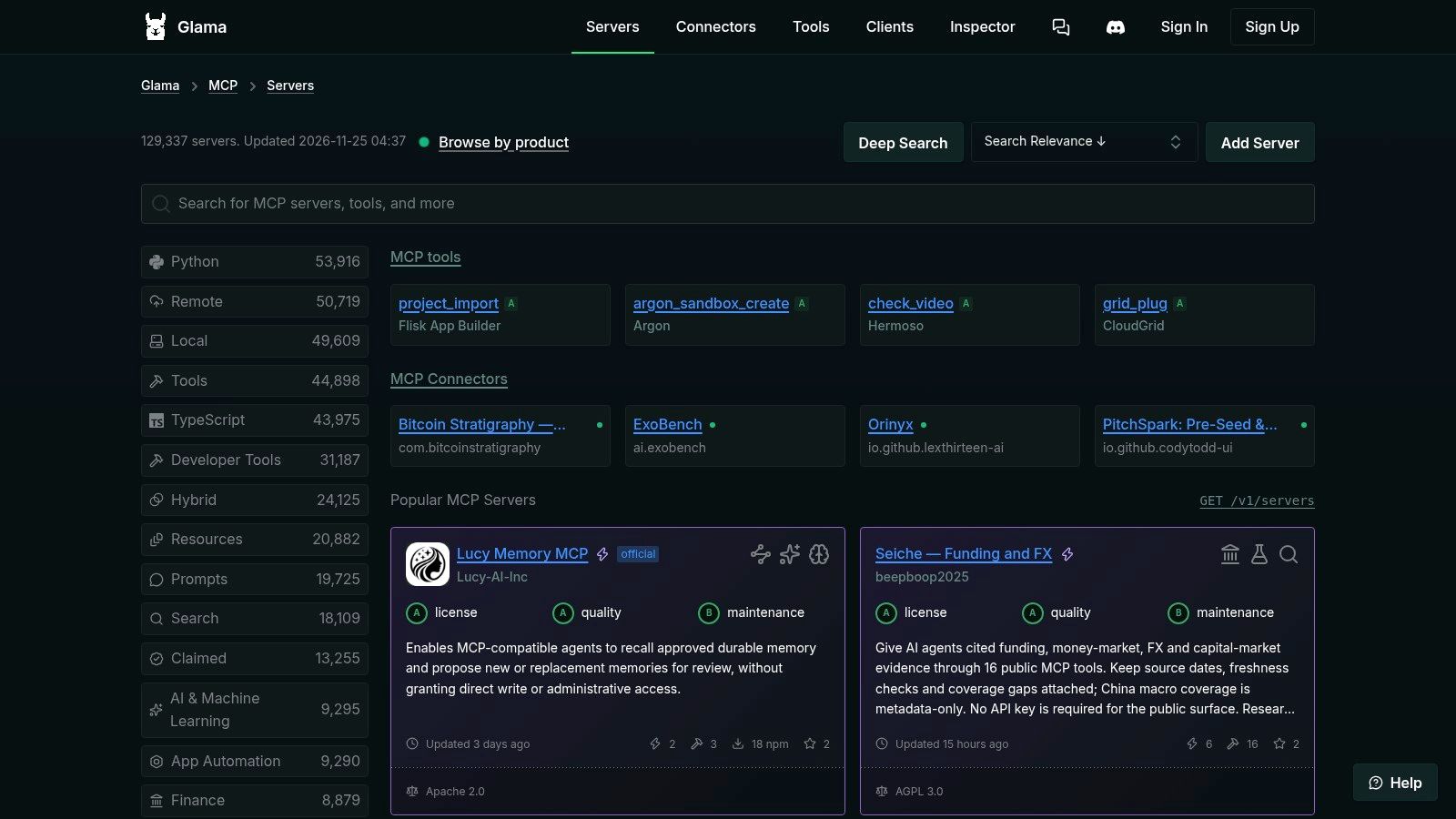
Glama is the browsable answer to that scale: a searchable catalog of open-source servers with categories, filters, individual server pages, and a directory API.
Filtering is the actual product
The API is the practical part. You can pull candidates into a sheet, rank them by last commit, drop anything without a repository, and cut the list to three before you read a line of code. The catalog's breadth is its strength and its hazard, because listing completeness and maintenance vary across entries.
A directory API still comes with terms. Integrations may carry data-display or attribution requirements, so read those before you build a public page on top of the export.
Pros:
- Browsing plus automation: filters for humans, an API for scripts that rebuild your candidate list.
- Broad category coverage: enough range to surface a server for a use case you hadn't named.
Cons:
- Size before quality: careful filtering is mandatory, and warmth of a listing doesn't imply maintenance.
- Varying freshness: some entries lag their source repository, so open the repo before you install.
Website: glama.ai/mcp/servers
4. PulseMCP
The filter that should change your testing here is remote availability. Local and remote servers fail in different ways, and the security model follows the difference.
The MCP specification defines three server primitives, resources, prompts and tools, and describes tools as model-controlled functions that can query databases, call APIs or perform computations. Its security guidance asks servers to validate inputs, enforce access controls, rate-limit invocations and sanitize outputs, and asks clients to display tool inputs and keep human approval in the loop for sensitive operations.
That's why a remote listing deserves a slower review. Every remote tool is an unauthenticated surface until you configure auth, and the spec offers the controls rather than enforcing them.
PulseMCP carries a large catalog with classification labels, filters for remote availability, and sorting by popularity or recency. Popularity is a starting point, never evidence. New submissions and listing changes are paused while its ingestion is reworked, so recent projects may be missing, and a server you find here may be several releases behind its repository.
Remote servers also feed consumer-facing views, such as the Solana tracker surface in Pulse, which is one more reason to know exactly what a server exposes before you approve it.
Website: pulsemcp.com/servers
5. Smithery
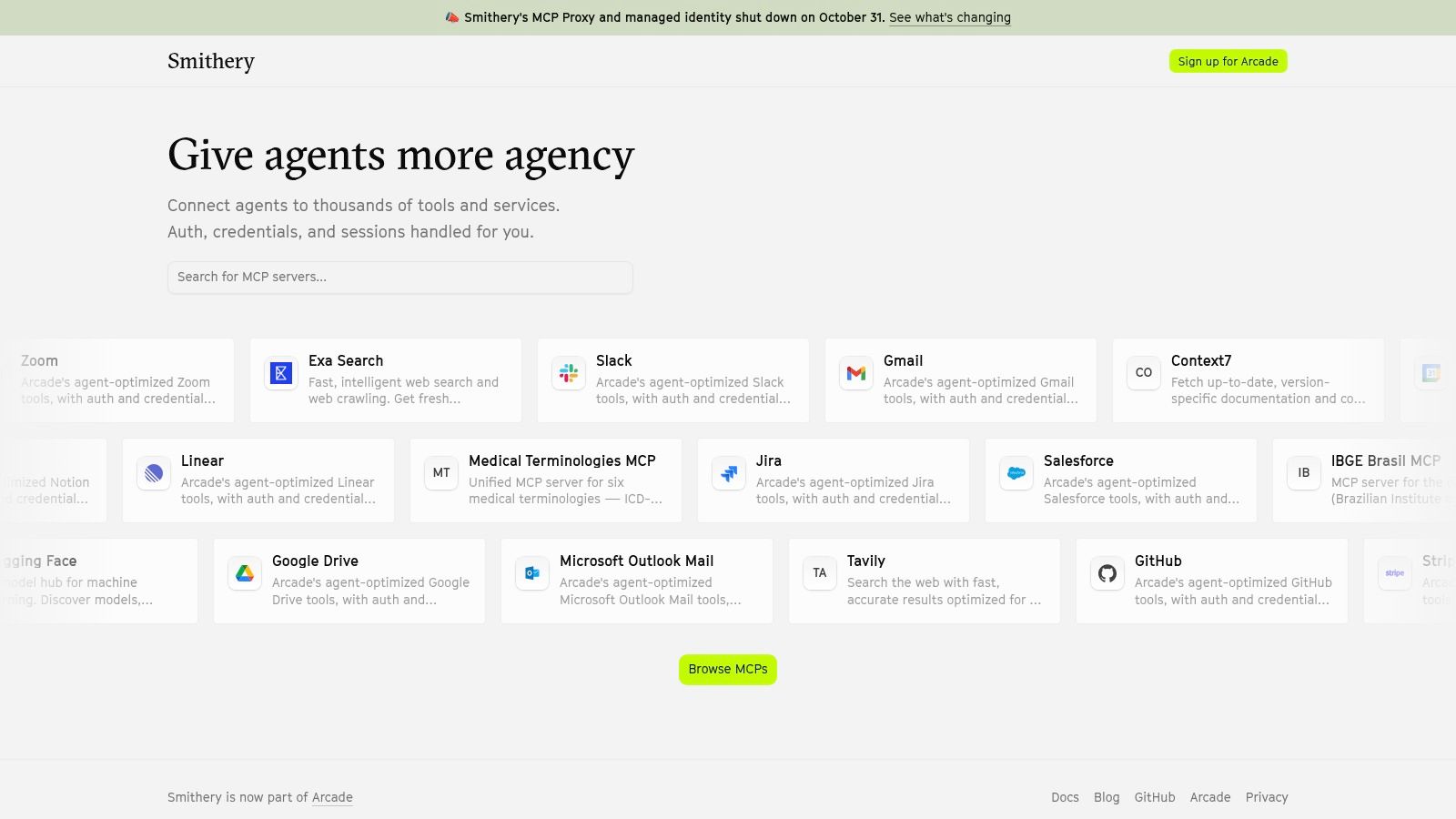
Treat any saved Smithery proxy URL in your client config as dead weight. The hosted proxy and hosted connection flow the site once offered for linking clients is retired, while the listings and server pages remain.
That changes how you use it. Browse the server page for capabilities and setup notes, then follow the provider's own connection instructions instead of the directory's shortcut.
Setup check: if a directory hands you a URL with the directory's own domain in it, confirm the provider's real endpoint before you paste it into a config file.
A stale proxy is worse than no entry at all. It fails in ways that look like a client bug, wasting an hour on transport errors when the actual problem is a retired relay. Cross-check the provider's documentation and the registry before you commit the config to a team repo.
The same sequence works for hosted servers generally, and the Claude connection guide for a hosted MCP server walks through add, authenticate and list tools with screenshots.
Pros: server-specific pages give a fast first read on capabilities, and the site can point you toward a provider's direct endpoint for a second opinion.
Cons: don't reuse legacy proxy addresses, listings aren't guaranteed current, and support questions belong with the server provider rather than the directory.
Website: smithery.ai
6. MCP.so
Community-run, and that's the headline. MCP.so is an independent directory of servers and clients, not the official registry, so every entry carries the assumption that a stranger submitted it.
The pages are useful in a scrappy way: a summary, tool details, links to the source repository or endpoint, and installation notes aimed at popular clients. That's often enough to find a project the official lists don't carry.
What to check on a listing page
Three quick checks separate a usable entry from a teaser.
- Publisher match: the repository owner should match the company domain, not a personal fork with the same name.
- Tool inventory: compare the tools on the page against the ones your client discovers after connecting.
- Recency: a page with no commit link and no update signal is a bookmark, not a recommendation.
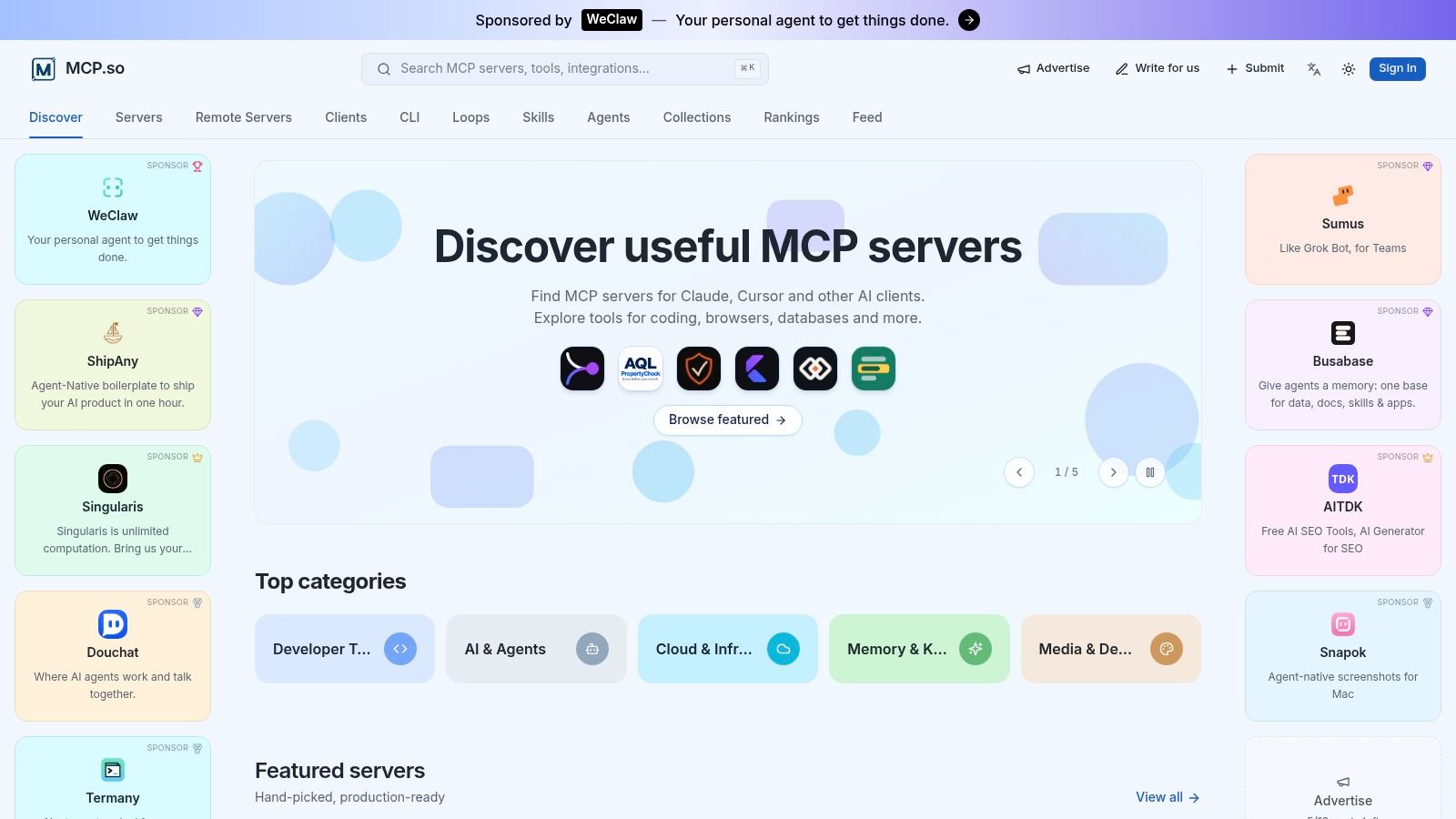
Community submissions mean quality swings. Read permissions and code before installing anything, and expect the setup notes to be right about the general shape of the install and stale about the flags.
Website: mcp.so
7. MCPservers.org
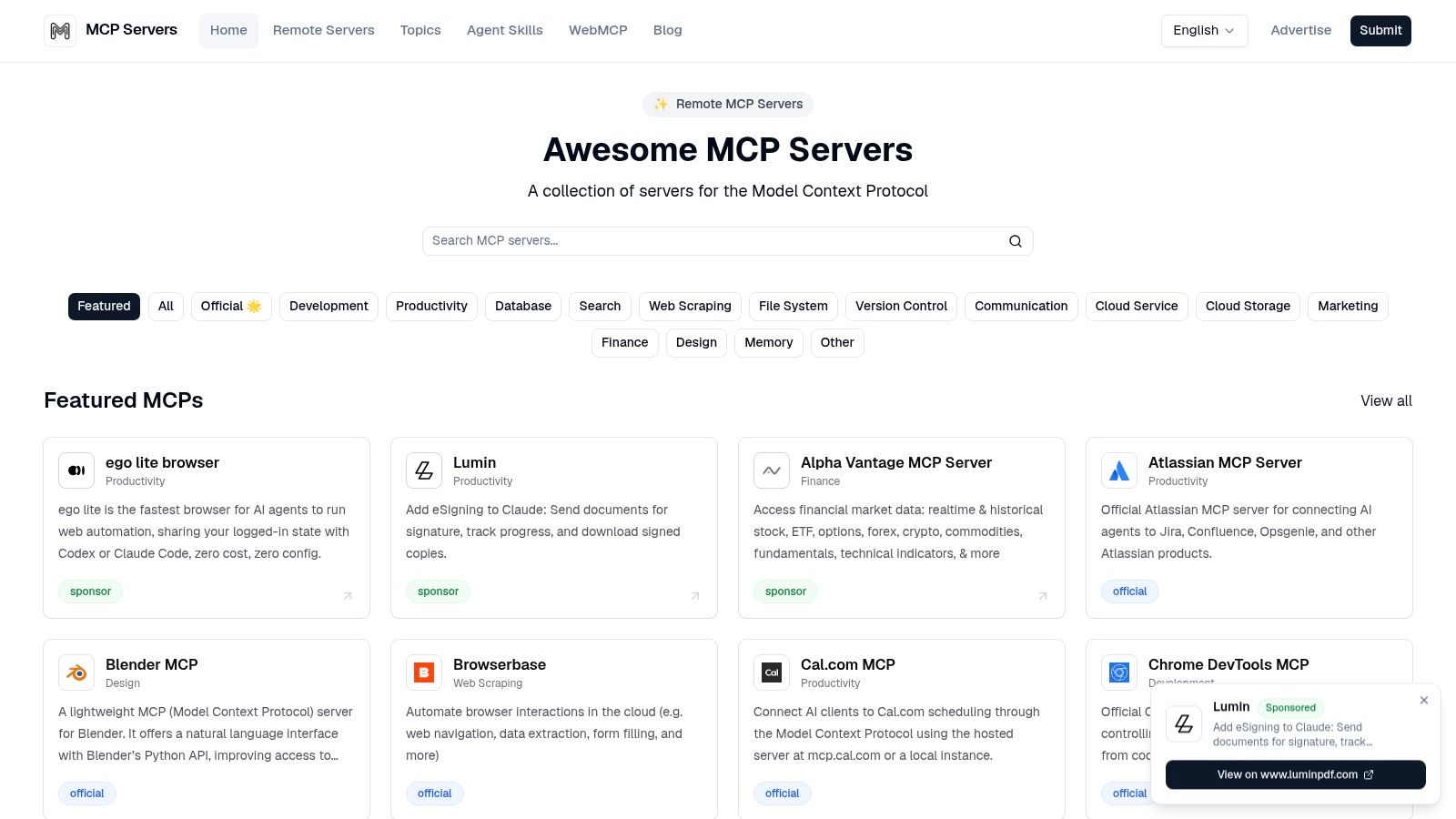
Browse-by-category people will like this one. Listings are curated and organized by topic, which makes it a faster entry point for someone who isn't sure what MCP can do yet than an API-first registry.
The trade is depth. Curation is an editorial act, not a maintenance audit, so an entry can be accurate on the day it was written and dormant six months later.
Pros:
- Fast orientation: categories show the shape of the ecosystem before you know the vocabulary.
- Publisher submissions: projects can submit themselves, so newer servers do surface.
Cons:
- No security guarantee: a curated slot doesn't mean maintained, minimal, or reviewed code.
- Listings drift: check the publisher's own documentation for setup and current arguments.
Website: mcpservers.org
8. MCP Zone
Labels carry a lot of weight on this site, and "official" is the one to verify first. An official badge usually means the vendor publishes the server, which is a decent starting signal and not a substitute for the registry.
Categories cover development, AI and search, cloud, and productivity, so browsing is a matter of picking an area and scanning compact summaries. Project links take you to the underlying repository or endpoint.
Categories help you find a use case. They don't tell you whether the tool behind it needs write access to a wallet.
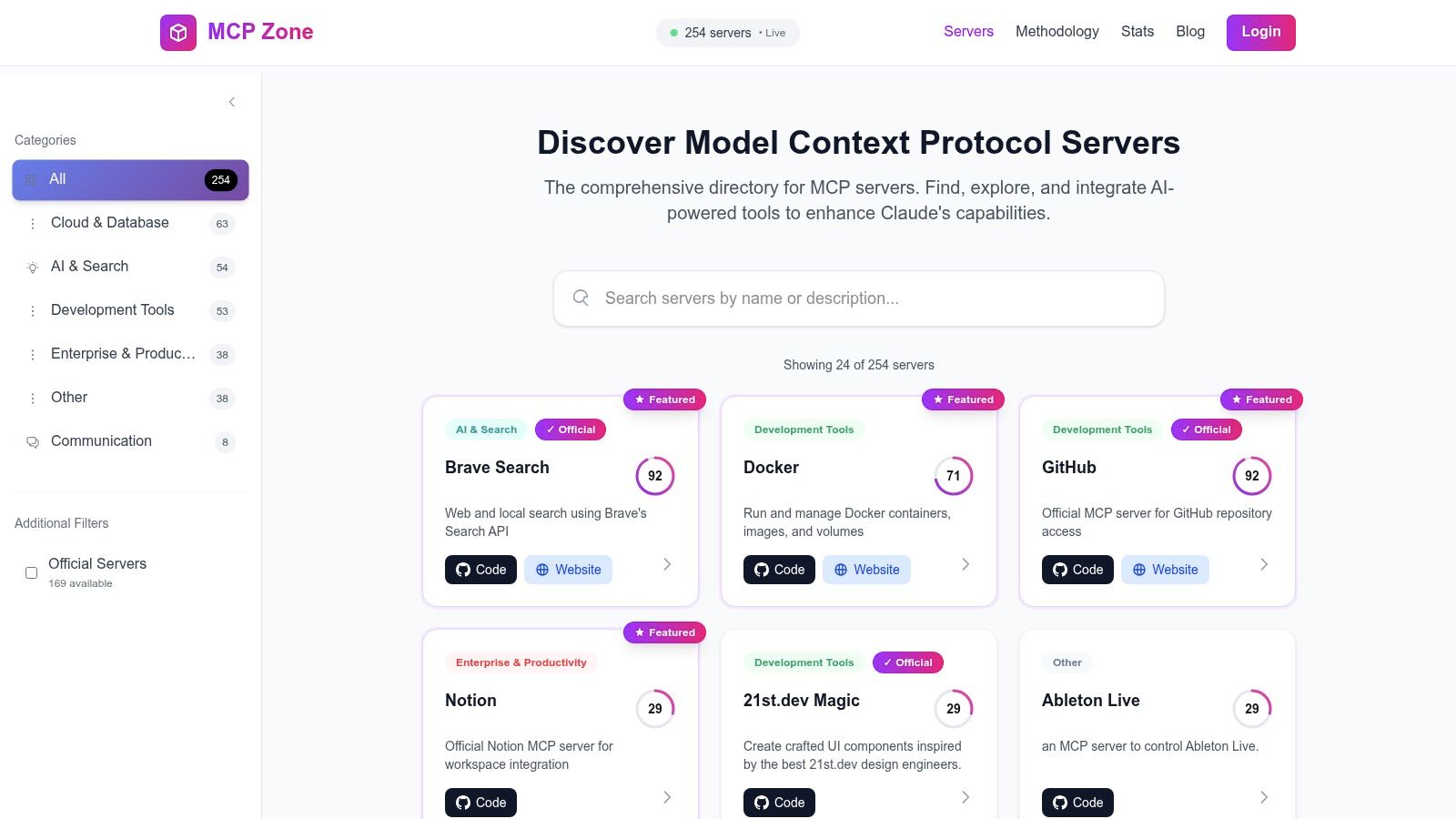
Summaries also tend to omit prerequisites. A listing that says "query wallet balances" won't mention the API key, the rate ceiling, or the chain limitations, so read the project documentation before you plan integration work around it.
Website: mcp-zone.com
9. MCPwell
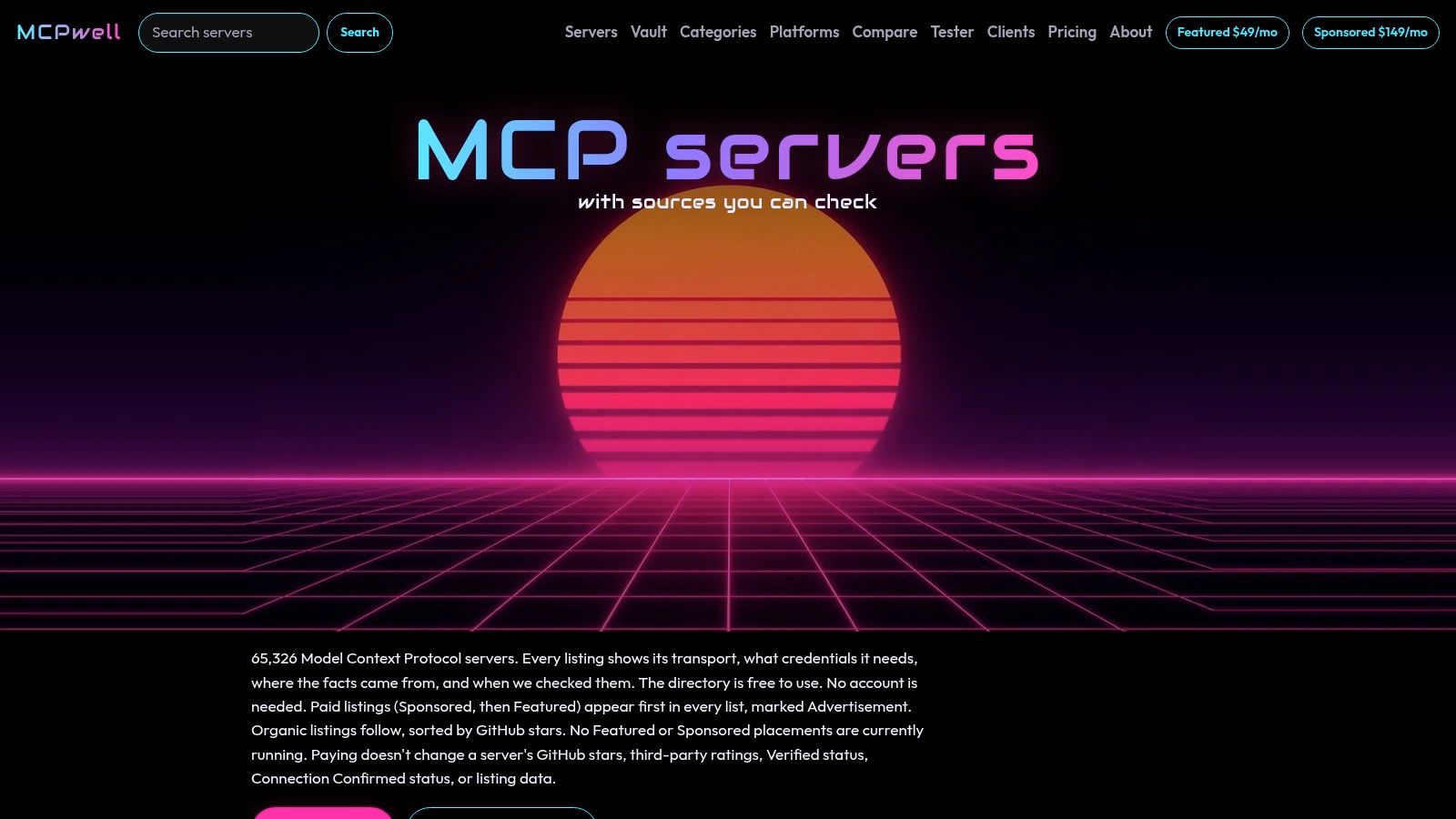
Provenance is the feature here. MCPwell describes its listings as aggregated from sources including the official MCP Registry, the MCP project's own server repository, and GitHub, and it shows source links, connection-mode details, and check dates on the entries.
That combination answers the question a raw count can't: where did this record come from, and when did someone last look at it.
A check date is a question, not an answer
Aggregation pulls in duplicates and uneven records, and a recent check date confirms someone looked at the page, not that the server still works. Treat each date as an invitation to open the source and compare tools against the current repository.
Connection-mode information is useful, since standard input/output and streamable HTTP change how you deploy and where credentials live.
Pros:
- Traceable records: source attribution makes an entry investigable instead of final.
- Wider net: aggregation surfaces projects scattered across several catalogs.
Cons:
- Duplicates and gaps: the same server can appear twice with different details.
- Thin ratings: coverage and quality signals vary by entry, so don't lean on scores alone.
Website: mcpwell.com
10. Official MCP Servers GitHub repository
The repository tells you what it is, if you read past the file listing. The MCP project was open-sourced on November 25, 2024, and the official reference-server repository, created that same month, holds maintained reference implementations alongside links to community-built servers.
Its own description sets expectations, calling itself a small set of implementations maintained by the MCP steering group rather than a complete directory of every server. The README points anyone hunting published listings to the registry.
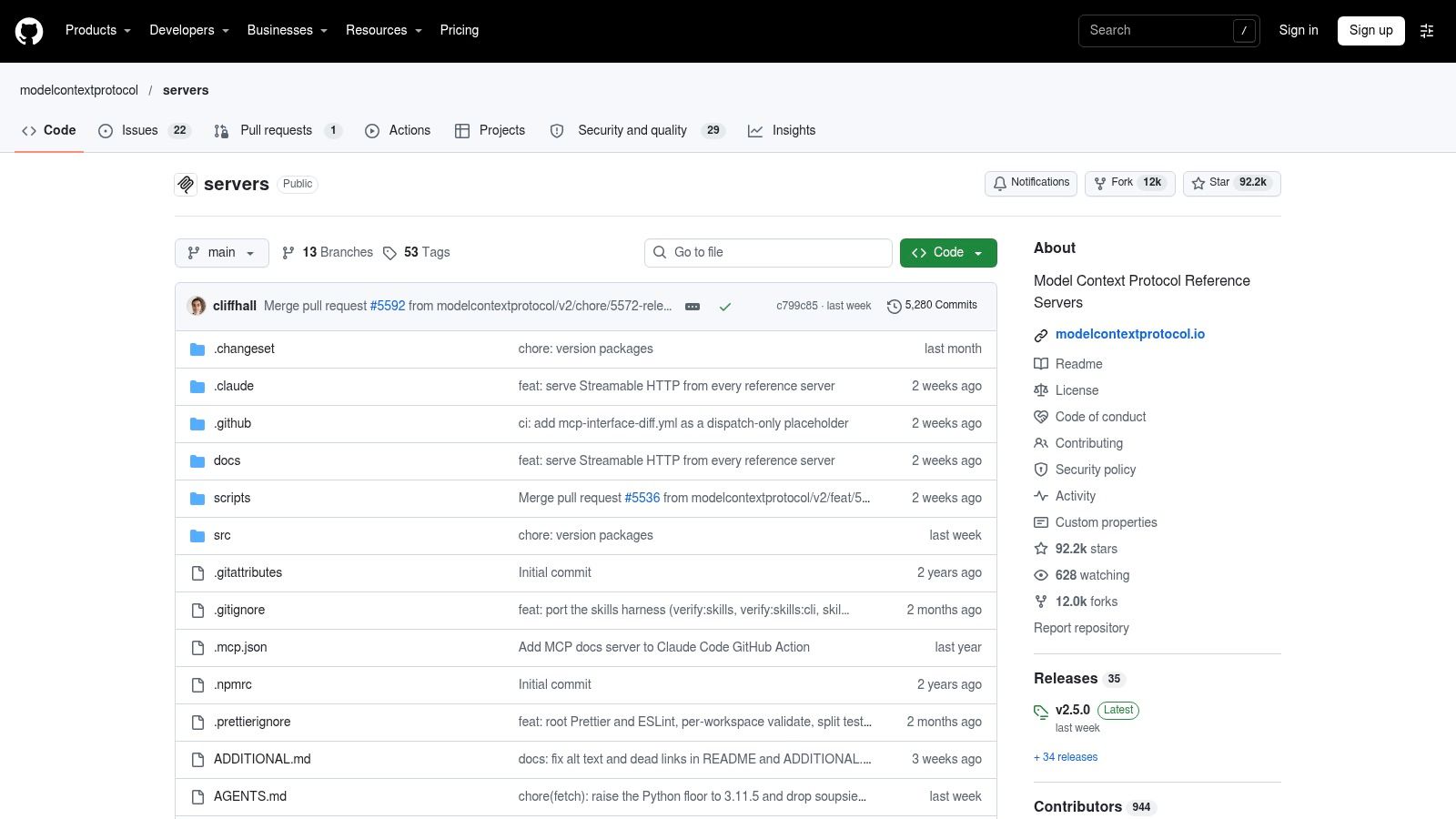
What it's good for: reading how a server is built, checking dependencies and auth handling, and watching issue history as a maintenance signal. Commit cadence and open issue volume tell you more about a server's health than any popularity rank.
What it isn't: a marketplace for a first-time user. Reference implementations won't cover every server you need, and you still review permissions and setup instructions before installing.
Website: github.com/modelcontextprotocol/servers
How the 10 MCP server list options differ by type, access, and main limitation
| Item | Source type | Best for | Access model | Main limitation |
|---|---|---|---|---|
| StalkChain (Recommended) | Live on-chain data service with MCP and REST API | Wallet, trader, token-flow, and market research across seven chains | Paid, usage-metered plans; qualifying new accounts may receive credit | Coverage varies by tool; data is not investment advice |
| Official MCP Registry | First-party server metadata registry | Verifying published servers, publishers, and packages | Public access | Entries do not guarantee servers are active, safe, or complete |
| Glama | Searchable open-source server catalog and directory API | Browsing and programmatically discovering candidate servers | Public catalog; integration may have API or display requirements | Listing completeness and maintenance can vary |
| PulseMCP | Searchable server directory | Scanning and sorting servers across categories | Public browsing | Submissions and listing changes are paused; popularity does not ensure quality |
| Smithery | MCP server directory | Finding server capabilities, setup details, and provider endpoints | Public browsing; use provider connection instructions | Legacy hosted proxy and connection services reportedly ended |
| MCP.so | Community directory of servers and clients | Finding projects, tool details, and client setup guidance | Public browsing | Community listings vary in quality and are not official |
| MCPservers.org | Curated, category-based server list | Straightforward browsing, especially for new MCP users | Public browsing; publisher submissions available | Curation does not guarantee maintenance or security |
| MCP Zone | Searchable directory with categories and labels | Exploring use cases and comparing listings quickly | Public browsing | Labels and summaries may be incomplete and require verification |
| MCPwell | Aggregated directory with source and connection details | Tracing listings to sources and assessing setup fit | Public browsing | Aggregation may include duplicates or uneven, outdated data |
| Official MCP Servers GitHub repository | Project-maintained code and documentation repository | Technical review and learning from server examples | Public repository access | Not a complete, beginner-friendly marketplace |
Verify Before You Connect Any MCP Server
Every entry above reduces to four checks you can run in ten minutes.
- Publisher identity: match the registry namespace to the repository owner and the company domain. A package that copies a popular server's name while pointing somewhere else is the impersonation pattern no directory catches for you.
- Permissions and scope: read the tool list and its input schema. Each tool should say what it reads, what it writes, which credentials it needs, and whether it can move funds. A research tool that asks for a private key isn't research.
- Transport and setup: know whether the server runs locally over standard input/output or remotely over HTTP. A local process inherits your user privileges, including the files and credentials on disk, while a remote endpoint needs OAuth or a scoped key.
- Cost, limits and errors: look for responses that report quota or cost and that return a typed error with a message you can act on. Silence about spend is how a quota disappears.
Then run one read-only call. Pick the cheapest tool with a deterministic answer, a wallet lookup or a tool list, and confirm the shape of the response before you ask an agent to act on anything. If the first call fails on auth, stop and read the transport docs rather than pasting a second URL.
Record what you learned in the same place you keep every other credential decision: transport, auth method, one working tool, the date. Recheck the listing page and the repository before each upgrade, because a directory entry is a snapshot of someone else's judgment.
Client mechanics vary more than server capability does, and the walkthrough of Search Console MCP setup for Claude shows the add, authenticate and list-tools sequence on a real connection.
For crypto data specifically, StalkChain is the entry here that removes the connector step. One MCP link works across Claude, ChatGPT, Cursor and Claude Code, the same account exposes a REST API with a single key, and every answer reports its cost and remaining balance. Read-only research tools need no private key, so you can test the wallet, PnL, KOL and whale tools on one account, then decide whether to wire them into a bot, a dashboard or an alerting job.
StalkChain puts live on-chain and social trader data behind a single hosted MCP link, so the wallet, PnL, KOL and whale tools you just vetted show up in Claude, ChatGPT, Cursor or Claude Code without a custom connector, while the same account serves a REST API when you would rather build in code. Start with one read-only research call, check the cost and remaining balance reported on the answer, then scale the workflow that proves useful. Connect your first client at StalkChain.