Most guides on how to use AI for crypto research stop at prompt templates, then hand you a chatbot that cannot see the chain. The result is predictable: confident answers about wallets, balances, and PnL that were never verified against public data.
Large language models do not know current token prices, recent transfers, or which contracts a wallet interacted with last week. When they lack that context, they fill the gap with plausible numbers.
We show how to connect an AI assistant to live on-chain data through MCP servers and REST APIs, then structure prompts that force verification instead of guessing. You will get six steps covering question design, data connections, wallet and flow analysis, repeatable workflows, and the failure modes that produce bad research. The goal is verifiable intelligence derived from public data, not unverified narration.
Key takeaways
- Connecting AI assistants to live on-chain data via MCP or REST API turns generic answers into verifiable research.
- Always ask the AI to cite data sources and timestamps, then cross-check with a block explorer.
- Use AI to track wallets, PnL, and cross-chain flows, but keep a human in the loop for decisions.
- Build reusable prompt templates and automate recurring research to save time and credits.
- Understand the limits: AI cannot predict prices and may hallucinate without live data.
On this page
- Step 1: Define Your Crypto Research Questions and Choose the Right AI Assistant
- Step 2: Connect Your AI Assistant to Live On-Chain Data
- Step 3: Build a Research Prompt Template That Forces Verification
- Step 4: Analyze Wallets, PnL, and Flows Across Chains
- Step 5: Turn AI Research into a Repeatable Workflow
- Step 6: Validate Findings and Avoid Common AI Research Pitfalls
- Frequently asked questions
- Final thoughts
Step 1: Define Your Crypto Research Questions and Choose the Right AI Assistant
AI research fails when the question is vague. "Is this token good?" produces a fluent answer with no way to check it. Start by writing down the specific questions you need answered, then sort them into categories:
- Wallet behavior: who accumulated, who distributed, and whether those addresses have a history.
- Token flows: where liquidity moved, which venues saw net inflows, and over what window.
- PnL: realized and unrealized results for a wallet or cohort, including fees and failed transactions.
- Narrative shifts: what changed in public discussion, and when.
- Risk exposure: contract permissions, counterparty concentration, and holdings that depend on one chain or issuer.
Then set a research goal and success criteria before you prompt. A usable goal looks like: "Identify the ten largest net buyers of this token in the last 30 days, with the data source and timestamp for each." If the output cannot be checked against a source, it did not meet the criteria.
Why generic AI answers fail for on-chain questions
General-purpose assistants answer from training data and web search. They do not see current balances, pool state, or transaction logs unless you connect them to a data source.
Ask a disconnected model for a wallet's holdings and it will produce a plausible number, not an observed one. Questions about the present require live data; questions about history, tokenomics, or past cycles can often be answered from context.
Choosing between Claude, ChatGPT, Grok, and Cursor
Match the tool to the job:
- Claude: long-context reasoning over documents, audits, and multi-step analysis.
- ChatGPT: fast general research and drafting, with broad connector support.
- Grok: real-time social context, since it reads public posts directly.
- Cursor: code, scripts, and custom dashboards when you need to query APIs yourself.
For tooling that supplies live chain data, see our guide to crypto MCP servers. This is educational material, not financial advice.
Step 2: Connect Your AI Assistant to Live On-Chain Data
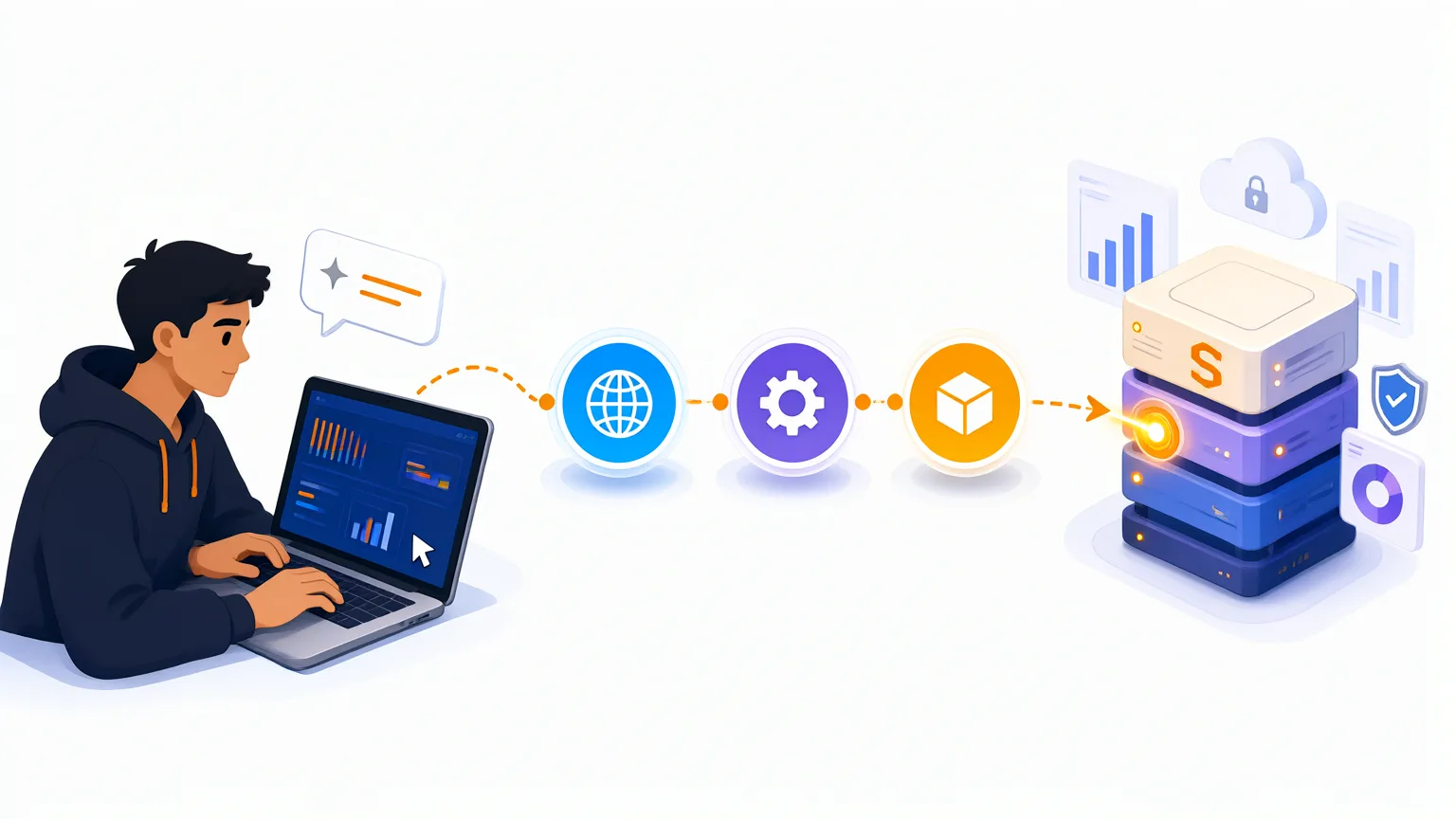
A model without data access answers crypto questions from memory. That produces stale balances, invented transaction hashes, and confident summaries of events that never happened. Connecting your assistant to live on-chain sources fixes the input before you fix the prompt.
What is an MCP server and why does it matter for crypto research?
MCP (Model Context Protocol) is an open standard that lets an AI assistant call external tools directly. An MCP server exposes specific functions, such as "get wallet balance" or "list recent transfers," and the assistant decides when to invoke them.
For crypto research, this matters for three reasons:
- Fresh data. The assistant reads current chain state instead of a training snapshot.
- Structured output. Responses arrive as fields you can compare, not prose you have to parse.
- Auditability. Each call maps to a defined tool, so you can see what was queried.
StalkChain runs a crypto MCP server covering seven chains and three data types: wallets, profit and loss, and capital flows. Setup is typically a server URL plus an API key in your assistant's connector settings. For a comparison of options, see our guide to crypto MCP servers for on-chain research.
Connecting via REST API for custom tools
If you are building dashboards or agents rather than chatting, the same data is available over REST. You send an HTTP request with your key, and the response returns JSON.
This suits scheduled jobs, backtests, and internal tooling where you control the logic. Our on-chain analytics API comparison covers endpoint and coverage differences.
Verify the connection before trusting it. Ask the assistant to pull a balance for a wallet you can check independently, or fetch a recent transaction and confirm the hash on a block explorer. If the numbers match, the connection is live.
Step 3: Build a Research Prompt Template That Forces Verification
A prompt that returns a confident paragraph is not a research tool. A prompt that returns claims you can check is. The difference is structure: every request should carry four elements.
- Role. Tell the model what it is: "You are an on-chain analyst working only from the data provided."
- Data request. Name the exact fields you want: transaction hashes, counterparties, token amounts, block numbers.
- Time frame. Give explicit dates. "Last 30 days" is ambiguous across time zones; "2026-10-23 to 2026-11-22 UTC" is not.
- Output format. Ask for a list, one claim per line, with source and timestamp attached.
Then add two rules. First, require a citation for every claim: the data source and the timestamp it was pulled. Second, force a separation between observed facts and interpretation. On-chain transfers are facts. "This looks like accumulation" is a narrative, and it belongs in a different field.
Example prompt for wallet tracking
Role: on-chain analyst. Data: transactions for wallet [address] on Ethereum, 2026-10-23 to 2026-11-22 UTC. For each trade, output: timestamp, tx hash, token, amount, counterparty, realized PnL if derivable. Cite the source and pull time for each row. Then, in a separate section labeled Interpretation, state what the pattern suggests and list what you could not verify.
How to spot hallucinated data
Cross-check at least one row against a block explorer before you use the output. Fabricated hashes, round numbers, and missing timestamps are the usual tells. If the model cannot cite a source, treat the claim as unknown rather than zero.
Step 4: Analyze Wallets, PnL, and Flows Across Chains
Wallet-level analysis is where AI assistants earn their keep. Instead of reading block explorers tab by tab, you ask a question and get a structured answer back.
Tracking smart money wallets
"Smart money" is a heuristic, not a label. AI tools infer it from observed behavior: wallets that bought tokens early, held through drawdowns, and exited before material declines. Treat the inference as a hypothesis.
Ask your assistant for:
- Recent activity: "List the last 20 swaps for wallet [address] with timestamps, token pairs, and USD size."
- PnL summary: "Give me realized and unrealized PnL for this wallet over the past 90 days, in USD, with the cost basis method stated."
- Token-level PnL: "Which wallets have the largest realized profit in [token] since [date]?"
State your period and quote currency explicitly. Use ISO formats like "2026-10-01" rather than relative terms like "recent".
Cross-chain flow analysis in practice
Flows show where capital is moving. A bridge transfer from Ethereum to Solana, followed by a stablecoin swap, is a different signal than a transfer into an exchange deposit address.
| Signal | What it may indicate | What it does not prove |
|---|---|---|
| Large CEX inflow | Possible sell intent | That a sale occurred |
| Bridge to new chain | Rotation or yield seeking | Conviction in any asset |
| Fresh wallet accumulation | New positioning | Who is behind it |
| Stablecoin minting | Dry powder available | That it will be deployed |
Worked example. Ask: "Trace wallet 0x… across Ethereum and Solana for the last 30 days. Summarize inflows, outflows, bridge activity, and current token holdings." The assistant returns a combined view. You still verify the bridge transaction hash and the Solana-side mint address yourself.
For comparison queries, put multiple wallets or tokens in one prompt: "Compare realized PnL for these three wallets over 60 days." Ask for the methodology in the same response.
Verify every address and transaction before acting.
Step 5: Turn AI Research into a Repeatable Workflow
One-off prompts produce one-off answers. A workflow produces a record you can audit, reuse, and improve. The shift is mostly operational: save what works, schedule what repeats, and log what you concluded.
Start by turning your best prompts into templates. Store them with placeholders for the variables that change:
{token_address},{chain},{date_range},{wallet_cluster}- The data queries each prompt depends on, saved alongside it
- The expected output format, so results stay comparable across runs
Keep templates in a versioned folder, the same way you would keep code. When a prompt stops returning useful output, you can see what changed.
Automating recurring research with the API
Anything you run on a schedule belongs in the API, not the chat window. Typical recurring jobs:
- Daily wallet-flow snapshots for tracked addresses.
- Weekly token holder and liquidity checks.
- Alerts when a monitored cluster moves funds.
Route outputs to a file or database rather than reading them in the interface. If you are choosing endpoints for this, our guide to on-chain analytics APIs covers what different providers return.
Managing data-call credits
Most data providers bill per call, so automation costs scale with frequency. Control it deliberately:
- Cache responses you will reuse within the same day.
- Batch addresses into single queries where the endpoint allows it.
- Set a monthly call budget per job and review it weekly.
Log every AI output with its timestamp, prompt version, and the raw data it drew from. Then pair each finding with a manual check: verify the contract, confirm the wallet label, and size positions against your own risk limits. The log is what lets you separate a model's estimate from a verified fact later.
Step 6: Validate Findings and Avoid Common AI Research Pitfalls
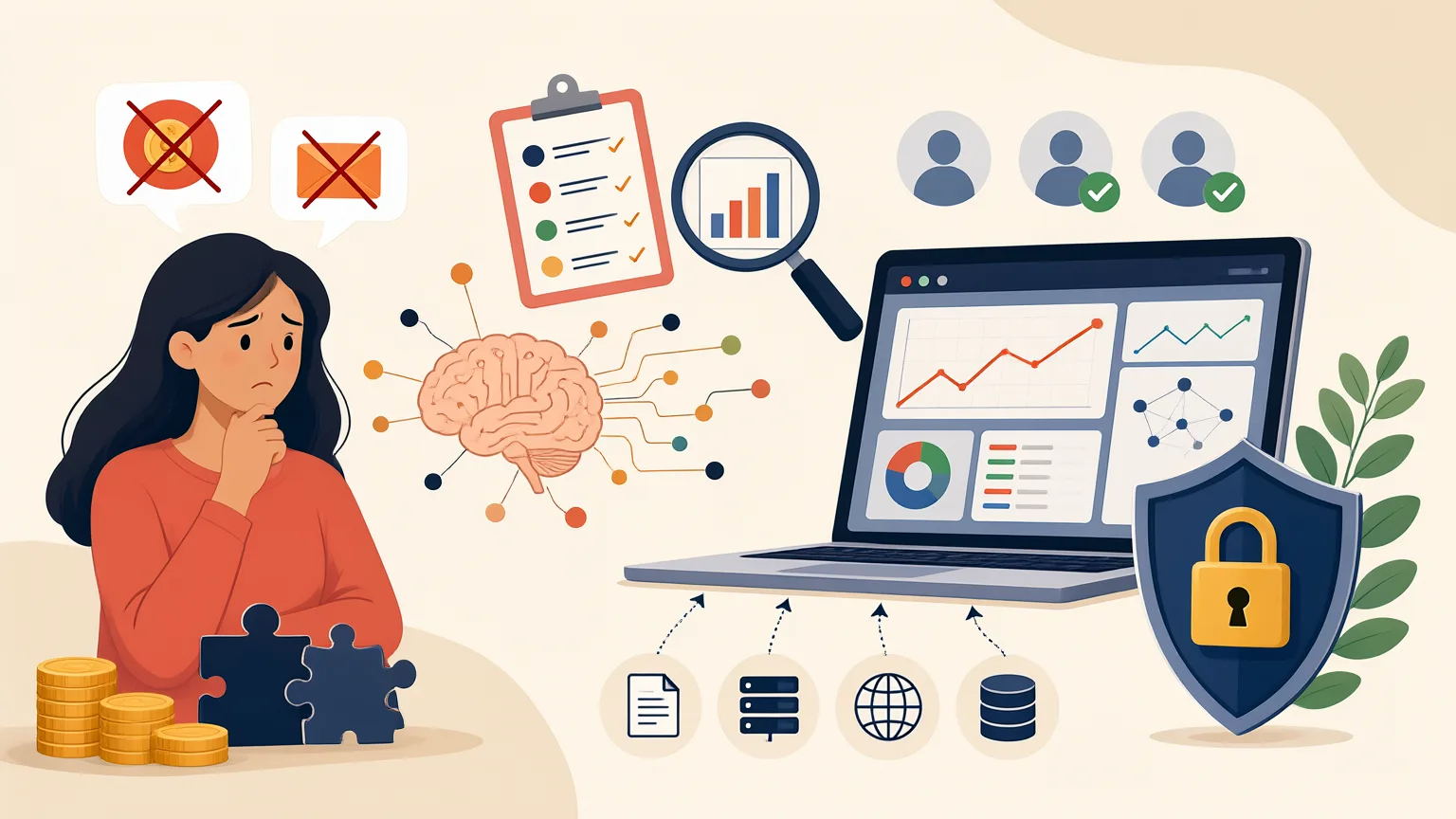
AI output is a draft, not a verdict. Treat every claim as unverified until a public source confirms it.
Common pitfalls to watch for:
- Stale data. Models trained months ago can describe a token's supply, team, or listings that have since changed.
- Hallucinated wallets and contracts. An address that looks plausible may not exist or may belong to an unrelated protocol.
- Overreliance on interpretation. A confident summary of "smart money accumulation" is an estimate, not an observed fact.
- Missing context. A large transfer could be an internal wallet rotation, an exchange deposit, or a bridge, not a buy or sell.
Verification checklist
Run this before acting on any AI-generated finding:
- Open the wallet or contract address in a block explorer and confirm it exists and matches the label.
- Cross-check the same metric in at least two independent sources, such as an explorer and a data API.
- Confirm timestamps. Compare the data's date against the current date.
- Trace fund flows manually when the claim rests on a single transaction.
- Note what remains unknown and size any decision accordingly.
Security and privacy considerations
Connecting AI tools to wallet data creates real exposure. Prefer read-only API keys, never share seed phrases or private keys, and revoke access when a session ends.
Review what a provider logs and retains; some tools store queries and portfolio data. Local or self-hosted agents reduce that surface, as one practitioner workflow describes at dev.to.
AI cannot predict prices and does not replace due diligence. It accelerates collection and structuring; judgment stays with you. This is educational material, not financial advice. For how we handle sourcing and corrections, see How Stalkchain Research Is Produced.
Frequently asked questions
undefined
undefined
undefined
undefined
undefined
undefined
undefined
undefined
Final thoughts
AI for crypto research works best as a filter, not an oracle. Use it to compress public data, surface coverage gaps, and pressure-test your own heuristics. Verify every material claim against primary sources before you act on it.
To apply this method, select one token and query its recent holder distribution via an MCP-connected assistant. Compare the returned addresses against known exchange deposit labels or project team wallets to identify discrepancies.
This article is educational and is not financial advice.